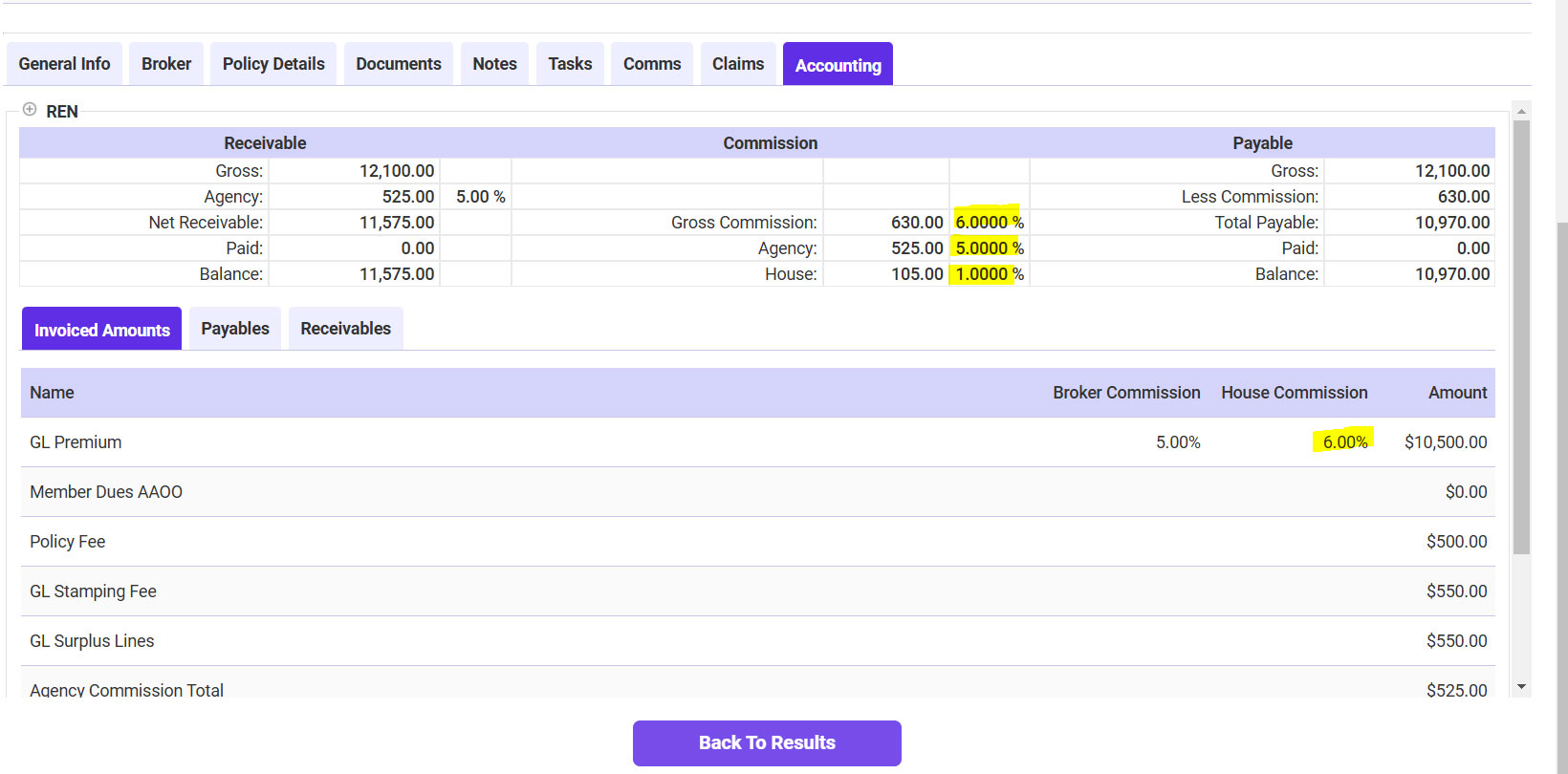
Viewing Accounting Information
The Accounting Information tab provides real-time details fetched directly from the accounting system.
Steps to View Accounting Information:
- Search for the insured or policy using Find.
- Open the Policy Details screen.
- Navigate to the Accounting Tab.
- Use the + Icon to expand and view transaction details:
- Premium information
- Invoice statuses
- Payment history
Note: Changes made here are reflected directly in the connected accounting system.