Processing Loss Runs
- Locate and open the policy for which you are ordering Loss Runs.
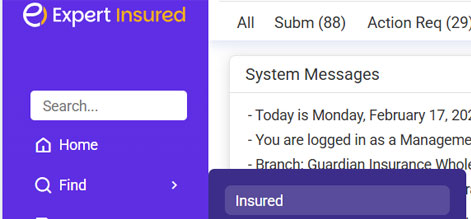
- From the Home page of Expert Insured, go to Find >> Select Insured.
- Enter the insured’s name or policy number >> Click Search.
- Expand the insured’s section >> Double-click on the applicable policy (check the policy number, term, etc.).
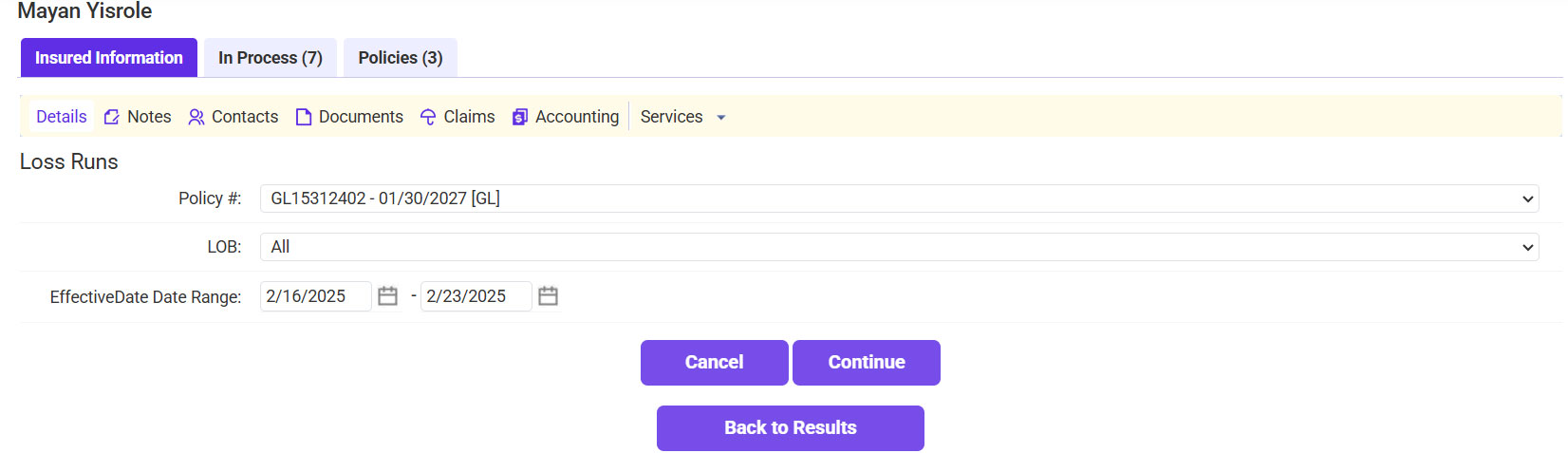
- Go to the Insured Information tab.
- Click on the drop-down arrow next to Services >> Select Loss Runs.
- Fill in the Loss Run information.
- Confirm the Policy.
- Select the LOB(s) needed.
- Enter the years needed into the Date Range fields.
- Click Continue.
- The Loss Runs will automatically be pulled into EI. If needed, click View PDF to print them, or click Send Loss Run to generate an email with the LRs attached to send them to the agent.