Impersonation
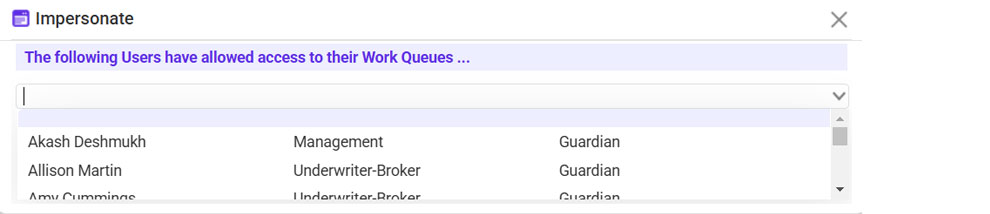
The Impersonation feature allows authorized users to access another user’s queue.
To Impersonate Another User:
- Go to Profile > Impersonate User.
- Enter the name of the user.
- Confirm to proceed.
Return to Self:
- Click Return to Self on the impersonation banner.
Sharing Impersonation Access:
- Navigate to Profile > Sharing.
- Add the user requiring impersonation access.