
Search and Locate
How to Locate Agency, Insured, and Carrier
ExpertInsured offers robust search options:
- Look-Ahead Search: Predictive results as you type.
- Content Search: Finds matches for any part of the input.
Steps to Find Insureds
- Go to Find > Insured.
- Enter search criteria: Name, City, State, or Policy ID.
- Click Search and select the matching result.

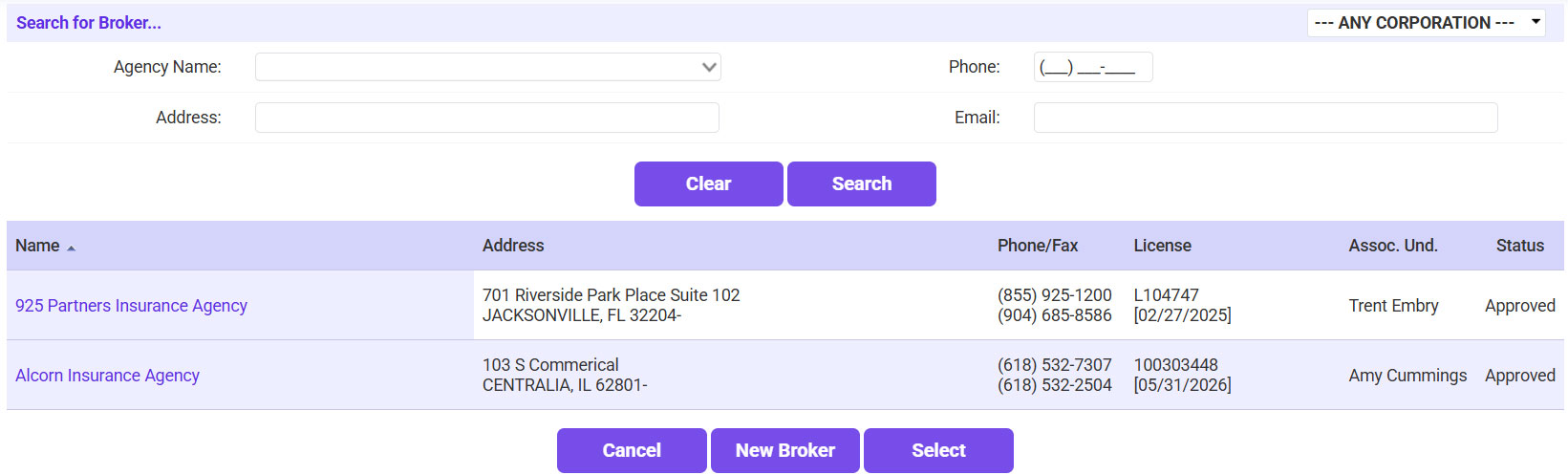
Steps to Find Agencies
- Navigate to Find > Agency.
- Search using:
- Agency Name
- Address
- Phone or Email
- Select the correct agency from the list.
Steps to Find Carriers
- Go to Find > Writing Company.
- Enter a partial or full carrier name.
- Click Search and select the desired result.
