Updating the Agent of Record / Broker of Record
- Look up the current Agent.
- From the Home page of Expert Insured, go to Find >> Select Agency.
- Enter the Agency Name >> Click Search.
- Highlight the Agency in the results >> Click Select.
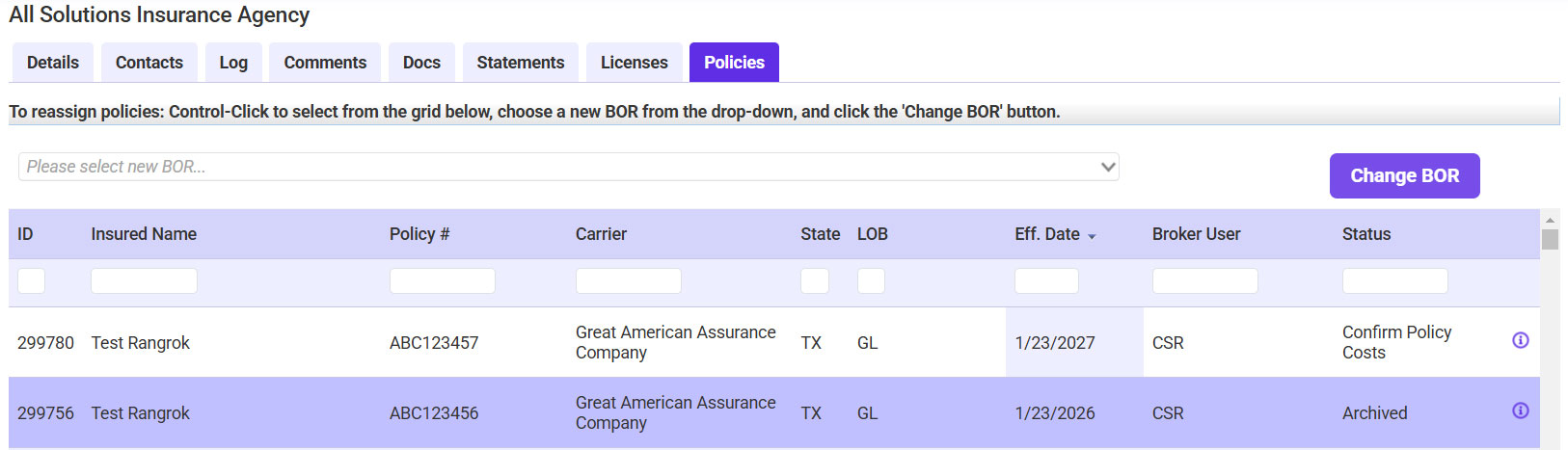
- Go to the Policies tab.
- Select the applicable policy/policies >> Select the new AOR/BOR >> Click Change BOR.
- Click OK.