
SOP - Inspections: Ordering & Recommendation Management
- Add a Recommendation
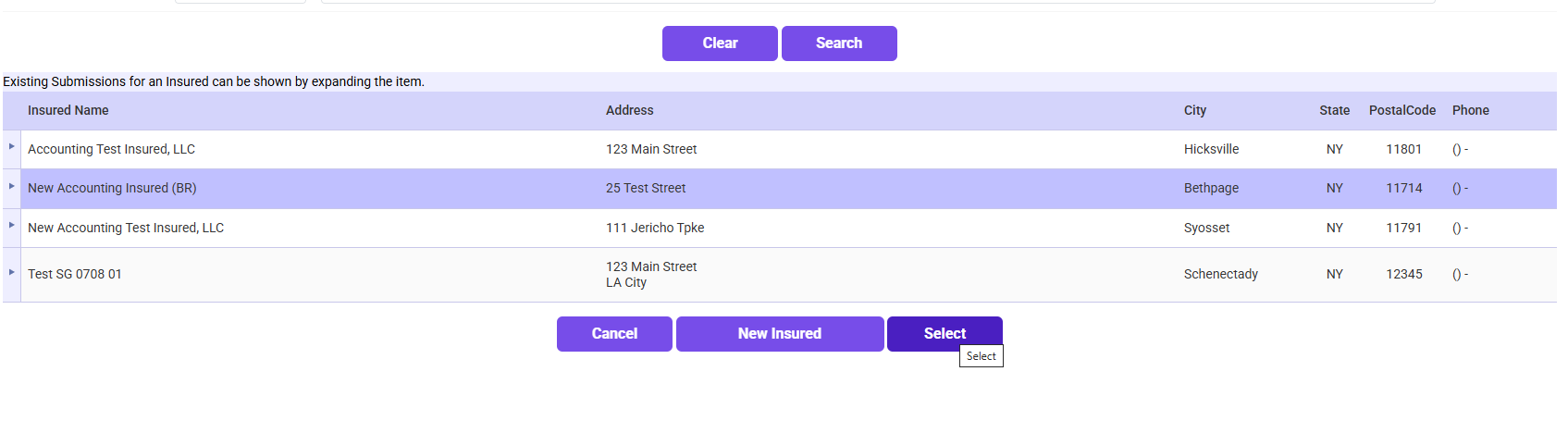
- Find and select the insured.
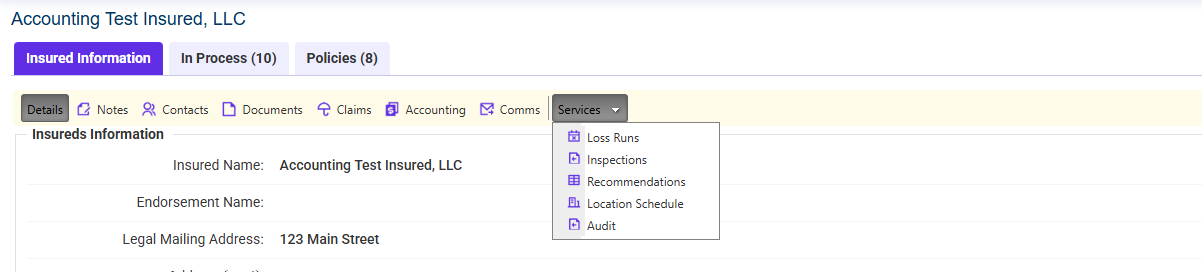
- Click on Services → In-22
- Locate the relevant inspection.
- Click “Add/View Recommendations”
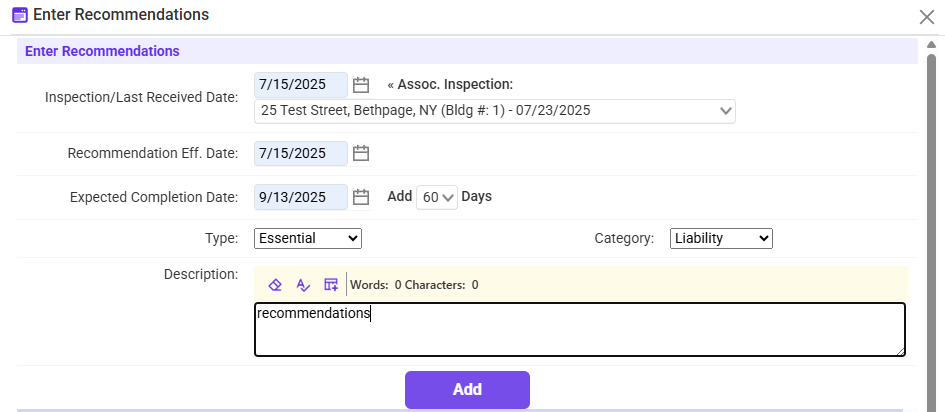
- Enter all required information
- Click “Add” to save the recommendation

- Build and Send a Recommendation Letter
- Select the recommendation you want to include.
- Click “Build and Send Letter”.
- Review and confirm the information.
- Click Continue and send the recommendation email.
