Reinstating a Policy
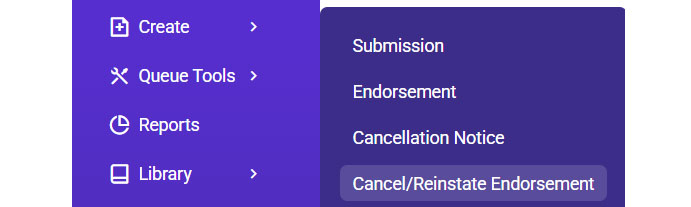
- Go to Create >> Select Cancel/Reinstate Endorsement.
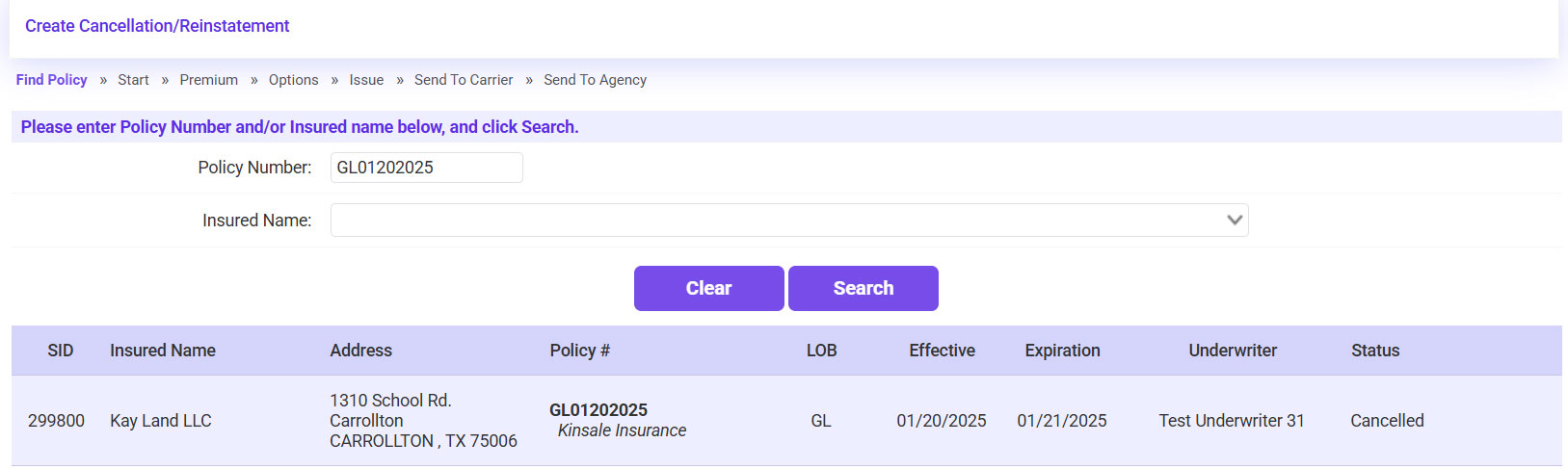
- Search for the account using the policy number or insured’s name >> Select the Cancelled policy >> Click Continue.
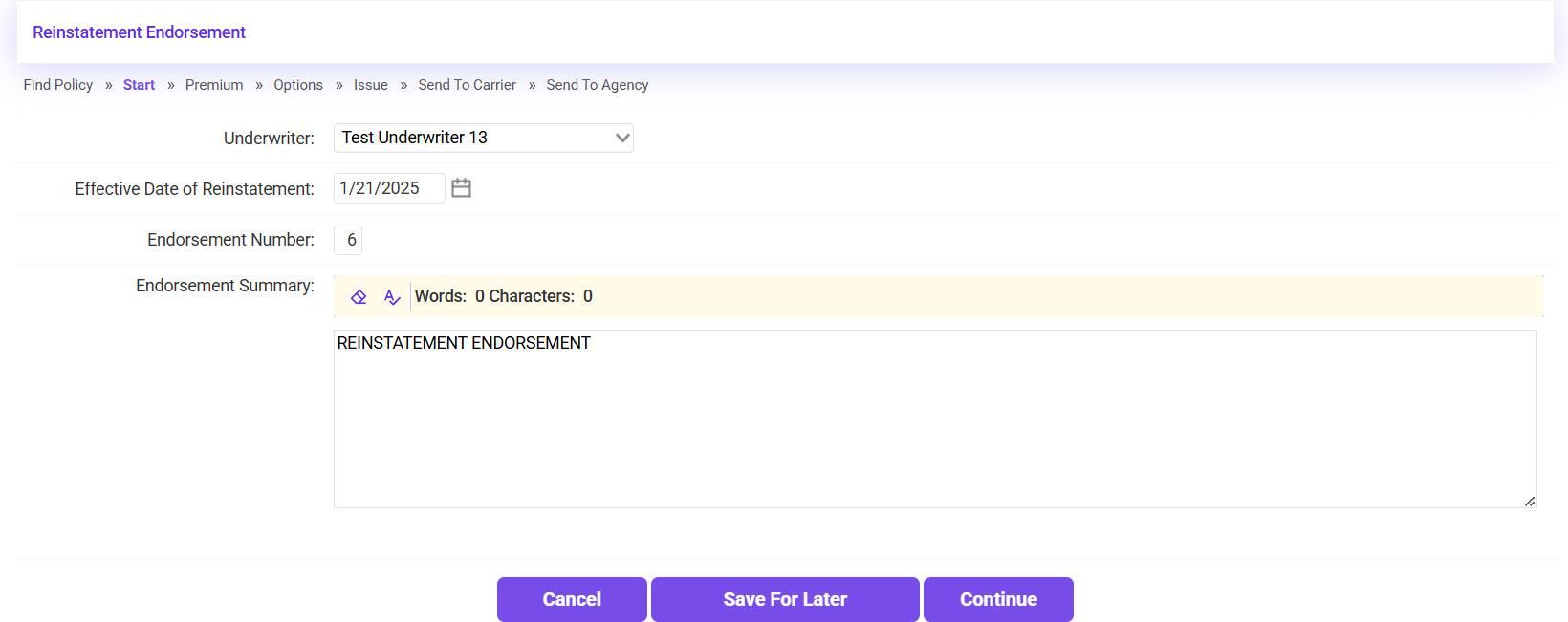
- Click Continue.
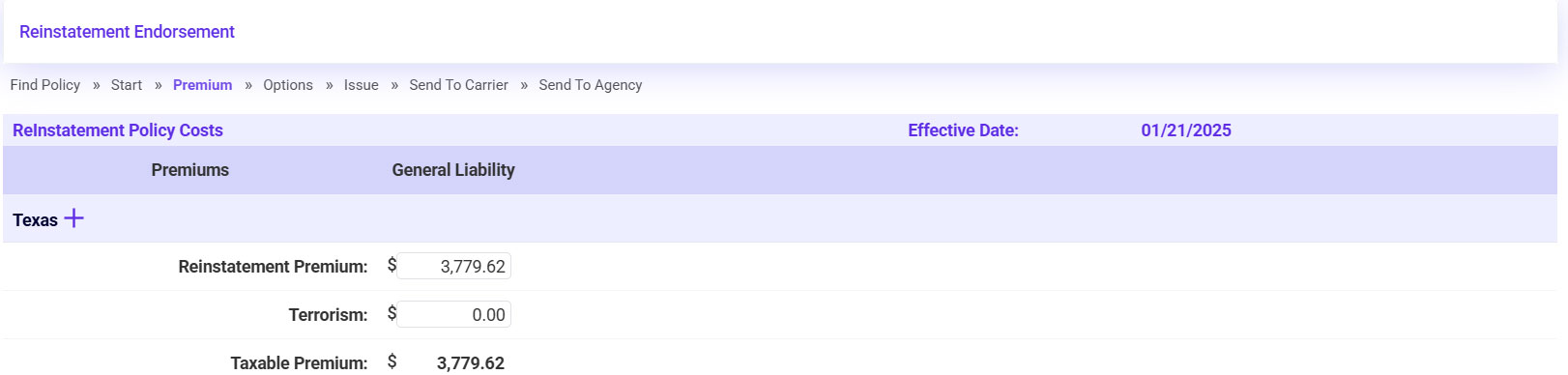
- Confirm the Premium and Tax/Fee amounts match what is showing on the Reinstatement Endorsement >> Click Continue.
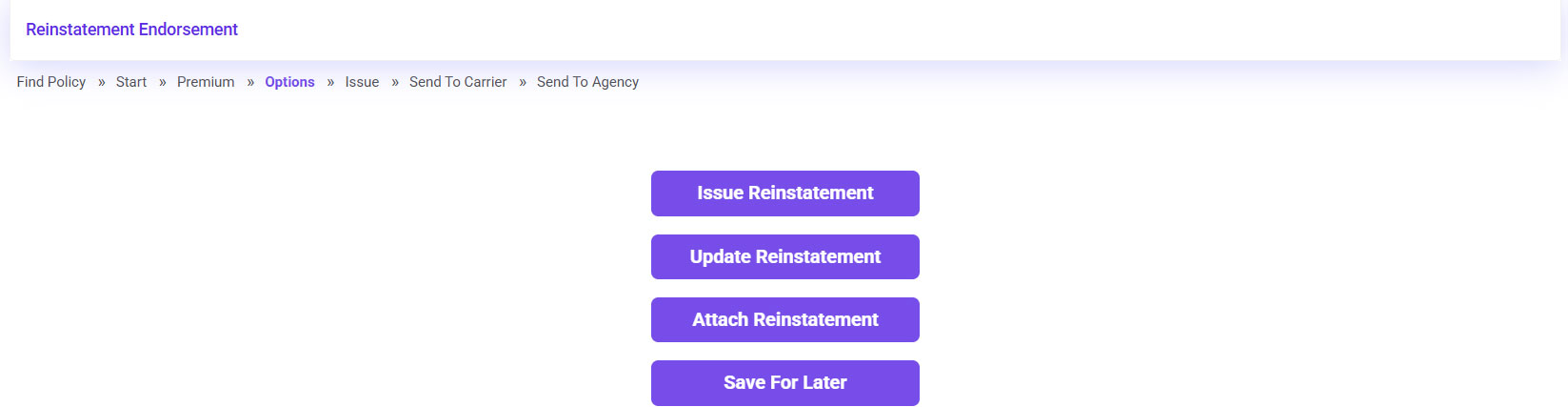
- Click Attach Reinstatement.
- Attach the Reinstatement Endorsement.
- Click on the plus sign icon in the REI section.
- Click Browse >> Select the Reinstatement Endorsement >> Once attached, click Continue.
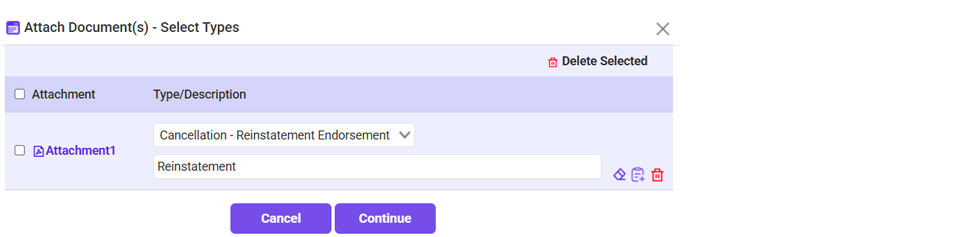
- For the Type, select Cancellation-Reinstatement Endorsement >> Click Continue.
- Click Continue.
- Check the Policy and Accounting Information verified box >> Click Continue.
- Click Bypass on the Send to Carrier page, as there is nothing to send to the carrier.
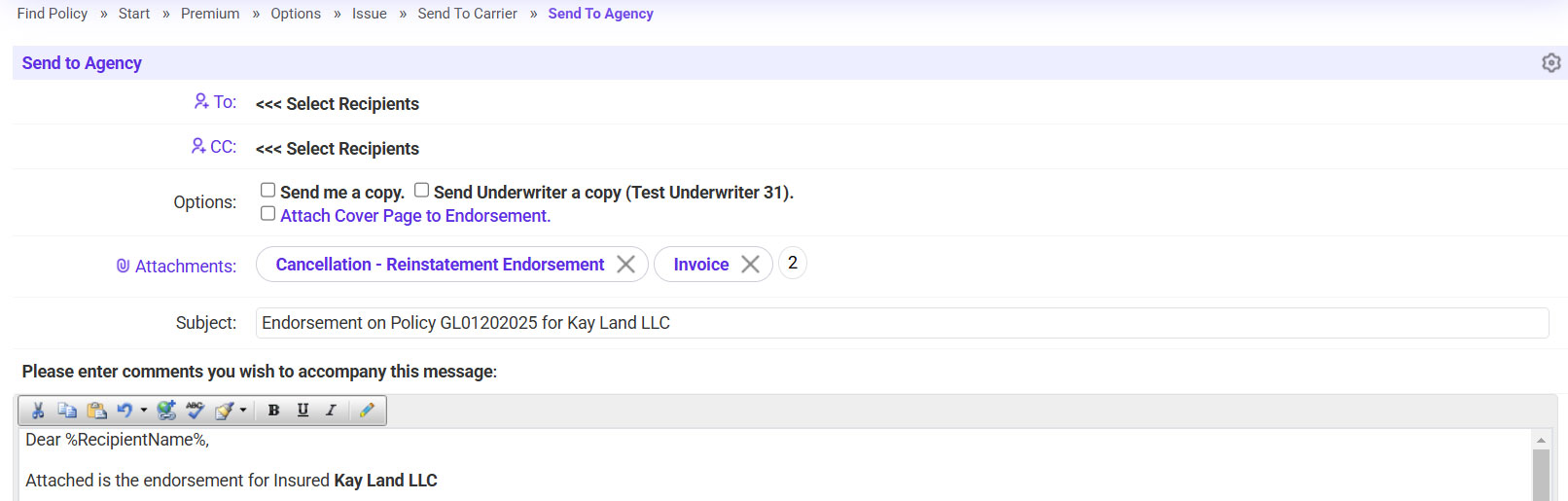
- Send the Reinstatement Endorsement to the agent.
- Click on the ‘To’ link >> Select the agent’s email address.
- If needed, copy any additional recipients.
- Click Continue to send the document and reinstate the policy in EI.