Processing a Notice of Reinstatement
- Go to Create >> Select Reinstate or Rescission Notice.
- Enter the policy number (or insured’s name) >> Click Search.
- Select the applicable result >> Click Continue.
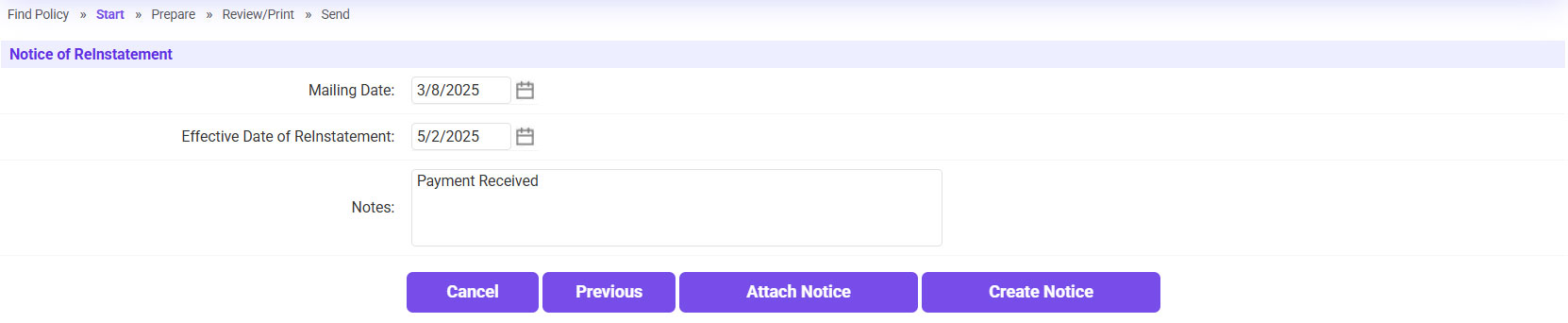
- If needed, enter any Notes >> Click Create Notice.
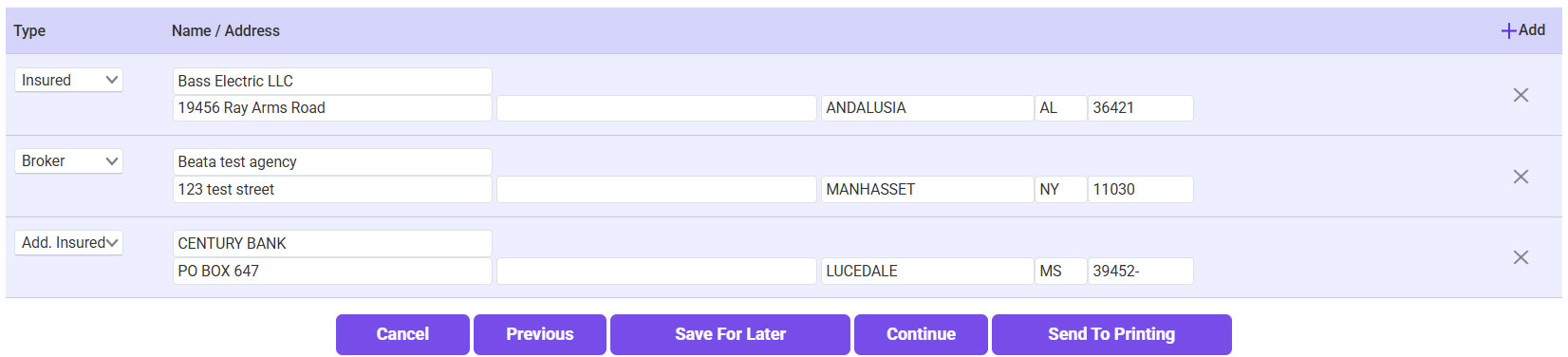
- Click Continue (or Send To Printing if needed).
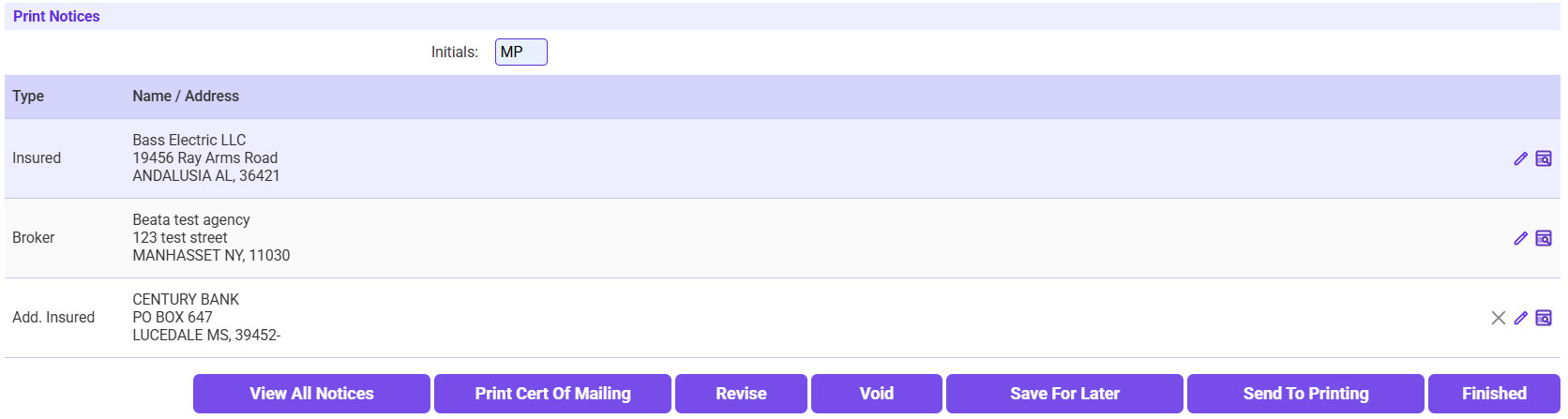
- Enter your initials >> If needed, print the Mailing Certificate >> Click Finished.
- Send the NOR to the agent.
- Click on the ‘To’ link and select the agent’s email address.
- If needed, include a copy for yourself or the UW.
- Click Send.