
How to Create Default Emails
These templates are created at the Submission/Quote/Binder/Policy level. This example will show it during the Binder to Broker step of the Binding process.
- Click on the Configure Communication (gear) icon on the Send screen.
- Make the necessary changes to the Default Email template (body of the email) at the level you are working on (in this example, the binder to broker step).

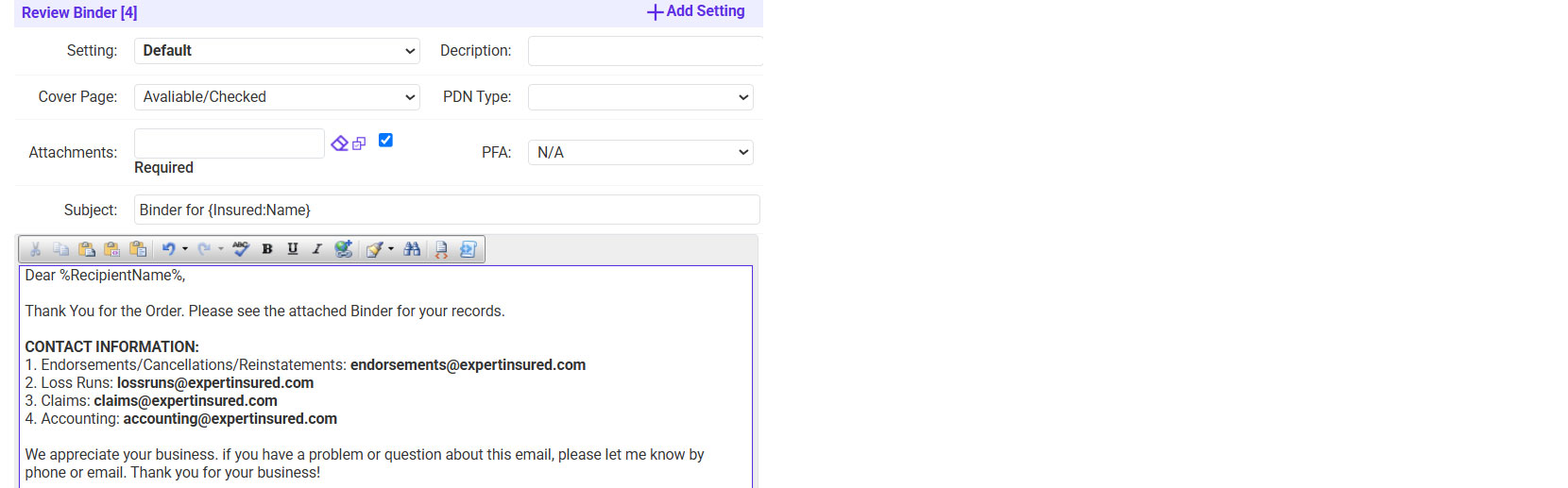
Notes:
- You may also create custom email Templates.
- Click on the Template button on the email you are sending (just like updating the Default Email wording, this process is done at the submission/quote/binding/policy level).
- Select an existing template or click Add to create a new template.
- Enter a Title for the template >> Enter the email wording >> Click Save.



