Cancellation Endorsements
- Go to Create >> Select Cancel/Reinstate Endorsement.
- Enter the policy number (or insured’s name) >> Click Search.
- Select the applicable result >> Click Continue.
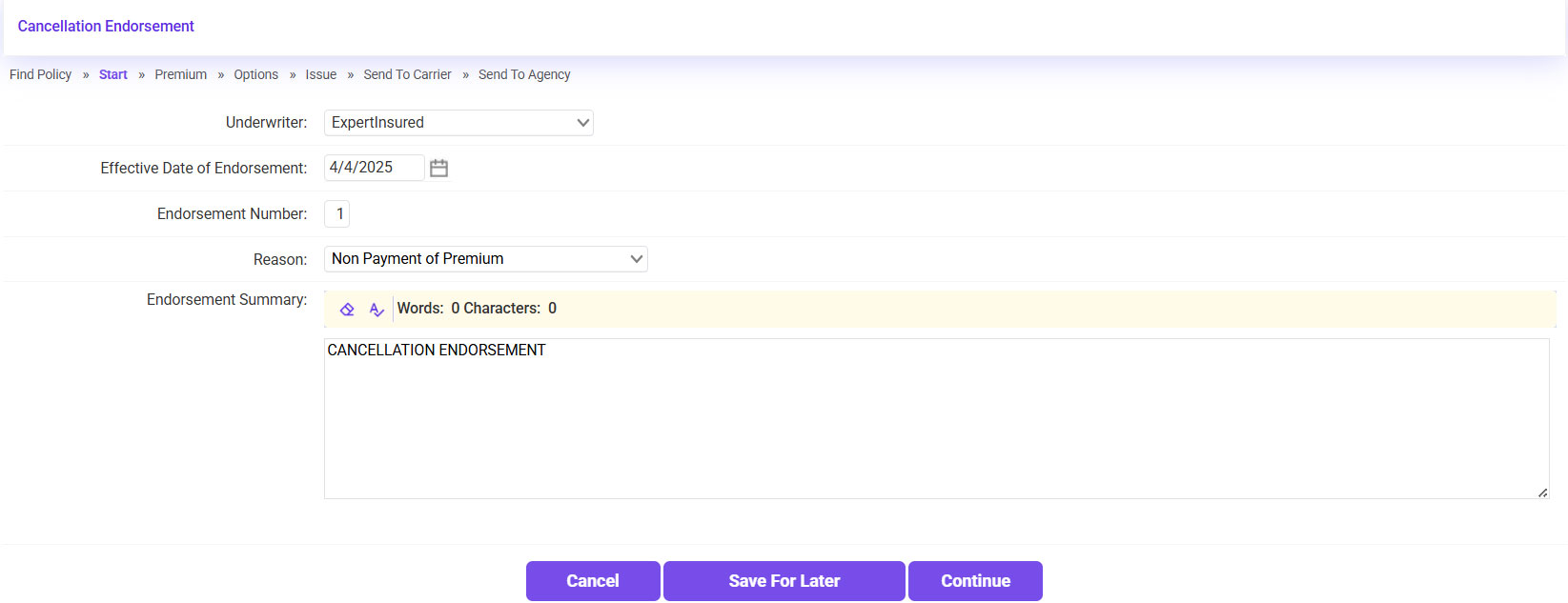
- Confirm the Effective Date of the Cancellation >> Click Continue.
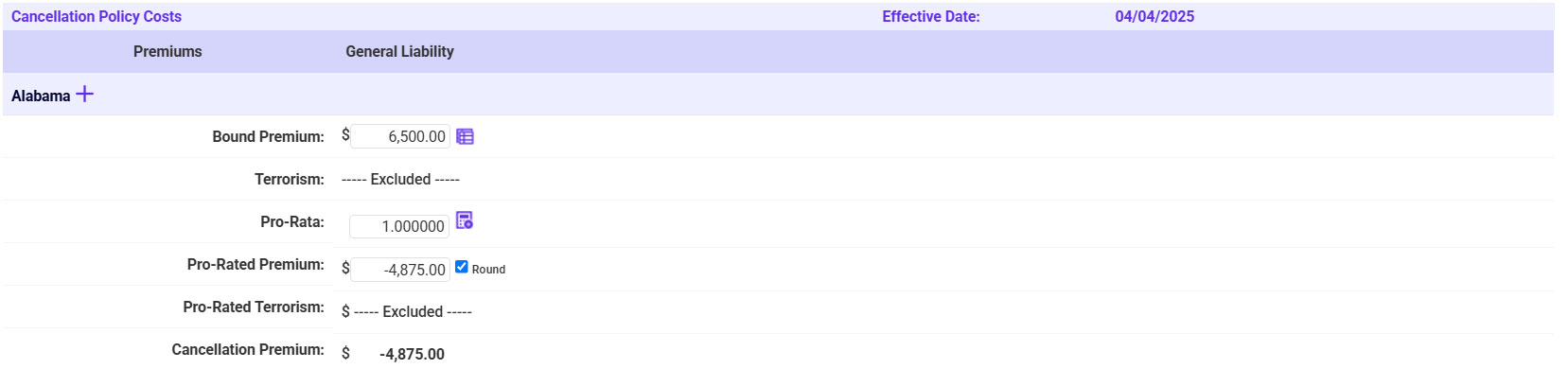
- The Return Premium will automatically be calculated; scroll down and click Continue.
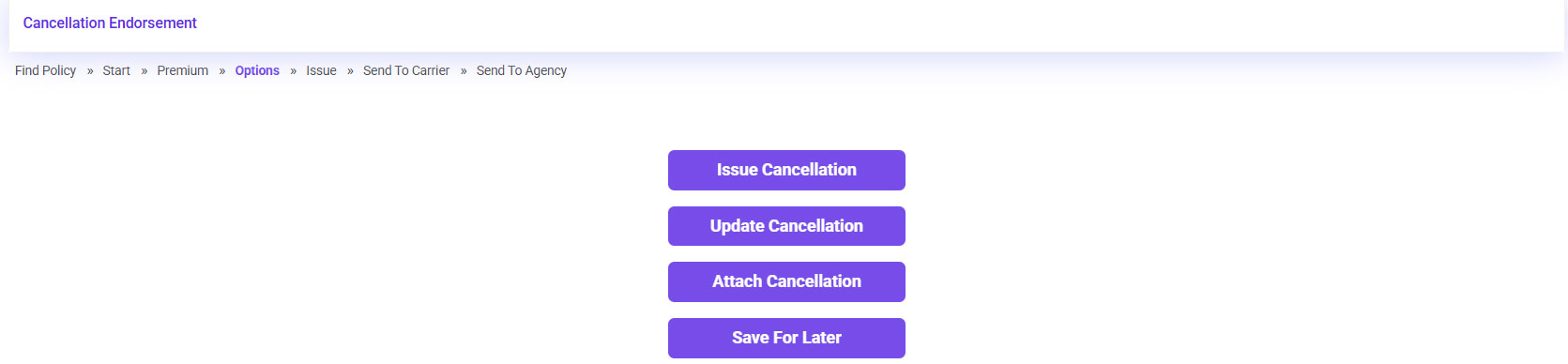
- Click Issue Endorsement.
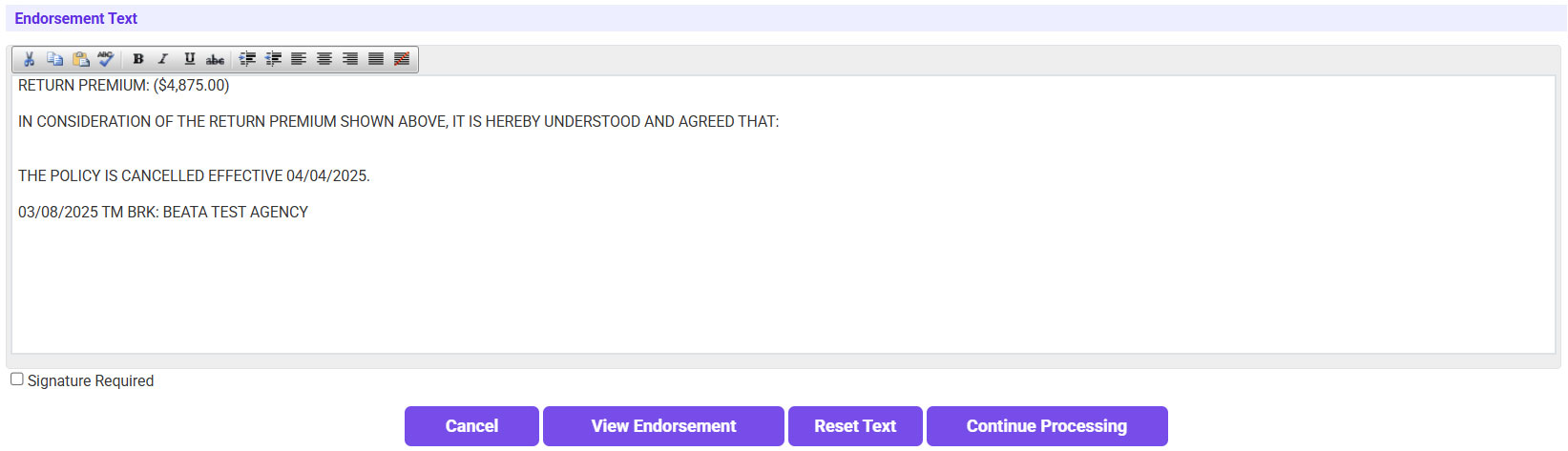
- The Endorsement Text will automatically pre-fill. Click View Endorsement to confirm everything looks good >> Click Continue Processing.
- Confirm the Policy and Accounting information is correct >> Check the verification box >> Click Continue.
- Send a copy of the Cancellation Endorsement to the carrier.
- Click on the ‘To’ link and select the applicable email address.
- If needed, send a copy to yourself or the UW.
- Click Continue.
- Send the Cancellation Endorsement to the agent.
- Click on the ‘To’ link and select the agent’s email.
- If needed, send a copy to yourself or the UW.
- Click Continue.