Claims
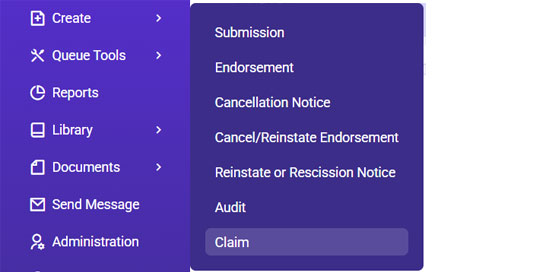
- Go to Expert Insured and log in >> From the Home page, go to Create >> Select Claim.
- Locate the policy you are entering the claim under.
- Enter the insured’s name or policy number>> Click Search.
- Select the applicable result >> Click Continue.
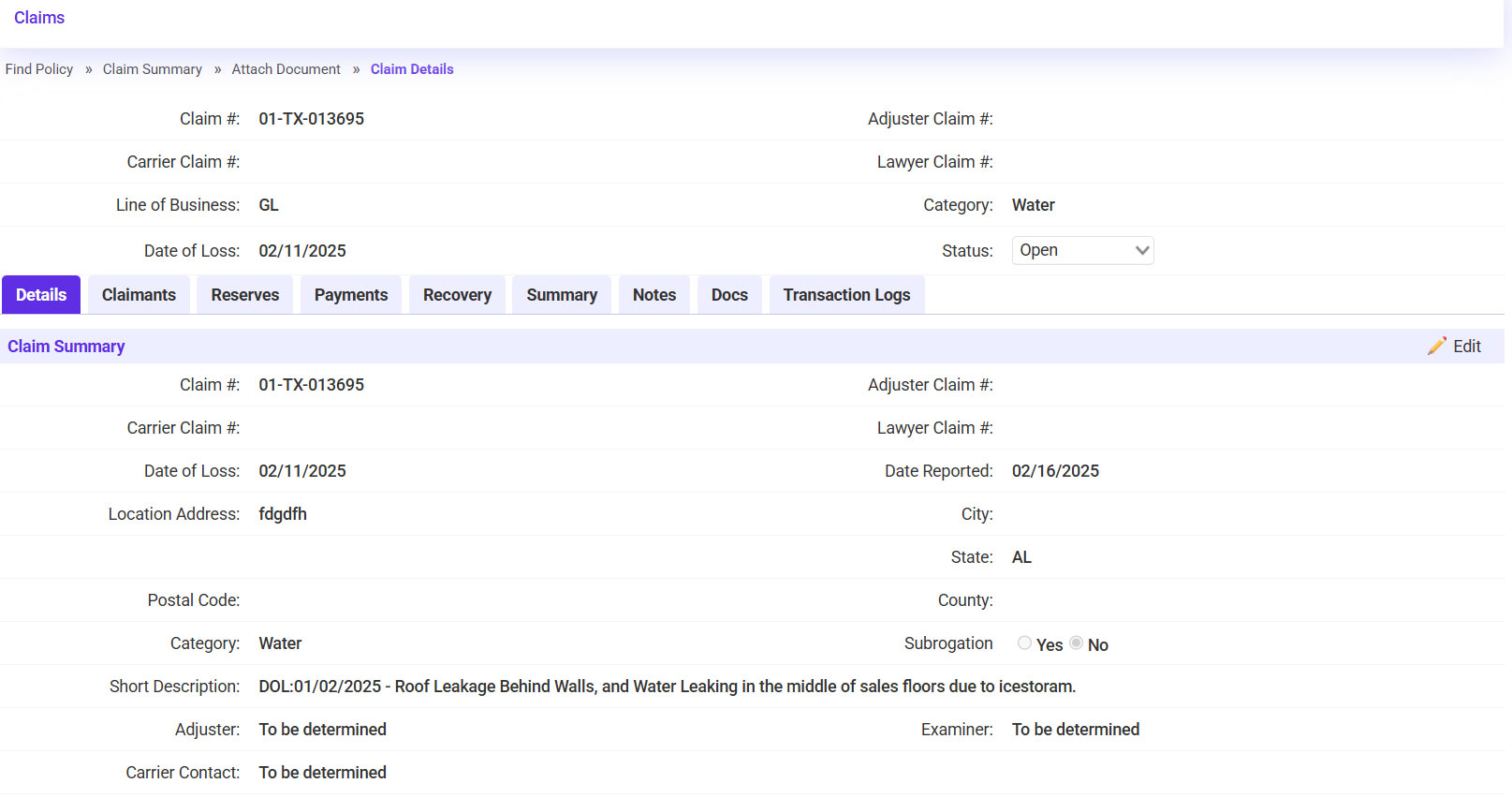
- Fill in the Claim Summary with the provided information.
- Enter the Claim Number.
- Enter the Date of Loss and Date Reported.
- Select the applicable Location Address.
- Select the Category >> Enter a Brief Description of the claim >> Click Continue.
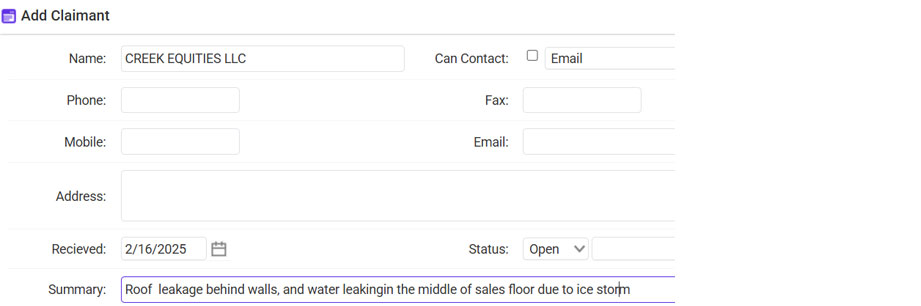
- If the Claimant is known, click on the plus sign icon to enter their information.
- Enter the claimant’s name, contact information, and the Summary/Description of the claim >> Click Save.
- Click Continue.
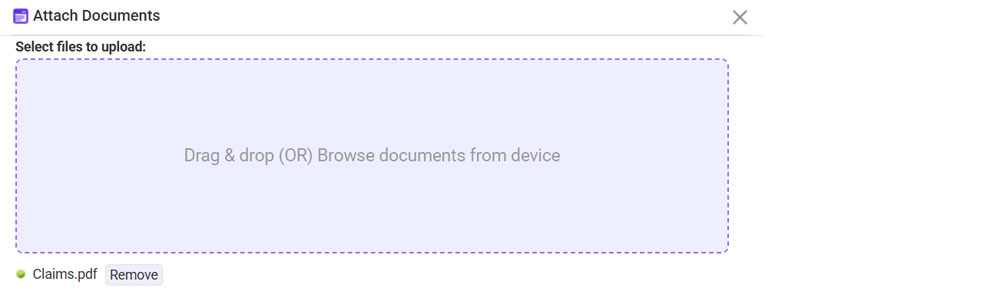
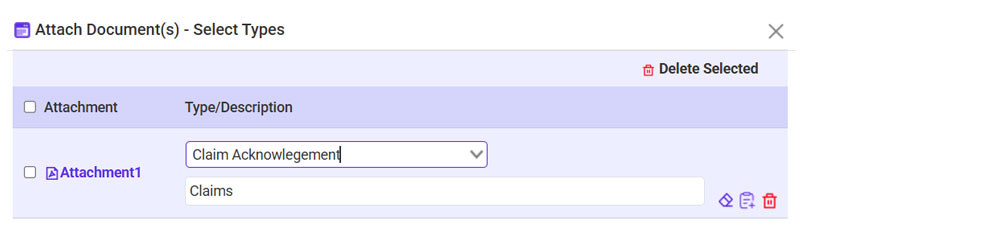
- Attach the Claim Documents provided (if any).
- Click Browse >> Select the document >> Click Continue once it is attached.
- Type: Claim Acknowledgement >> Click Continue
- Send acknowledgement to the insured/agent.
- Click on ‘To’ and select the recipient.
- Click Continue.
- Send the claim information to the carrier.
- Click on ‘To’ and select the recipient.
- Click Continue.











*Claims section when you open the policy: