
Login and Profile Management
Login Process
- Open your browser. Supported browsers:
- Google Chrome (latest version)
- Microsoft Edge (latest version)
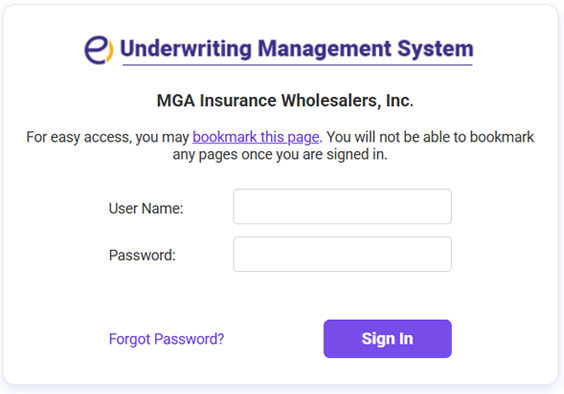
- Go to the ExpertInsured link provided by your company.
- Enter your credentials:
- User ID: Your network login ID.
- Password: Provided by your system administrator.
- Click Login to access the system.
- If logging in for the first time, follow the Registering - First-Time Login instructions.
Tips for Troubleshooting:
- Use the Forgot Password option or contact IT support for help.
- Ensure pop-ups are enabled, and browser cache is cleared if login fails.
