AOR/BOR Management
Agent/Broker of Record Changes
An AOR/BOR change allows new agents or brokers to take over policies.
Steps to Process an AOR/BOR Change:
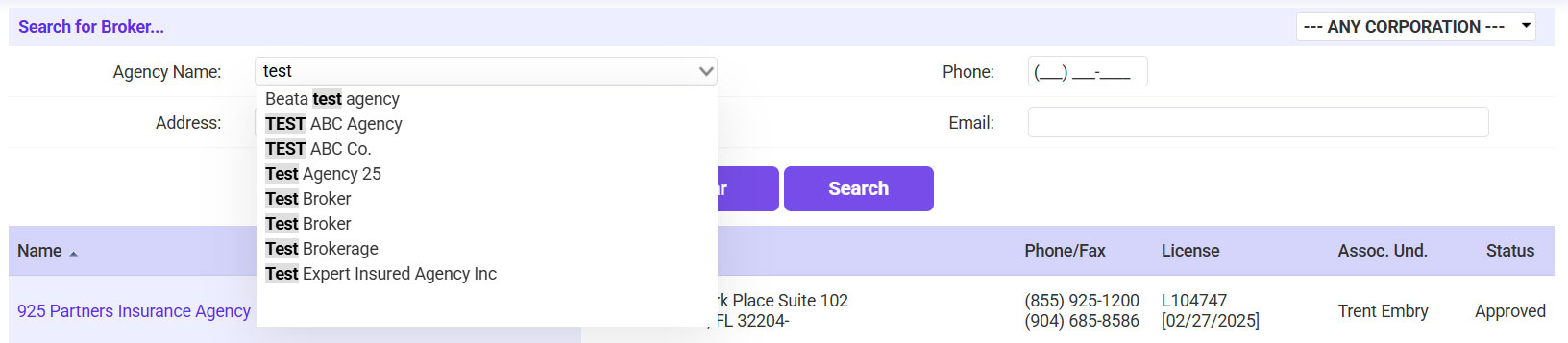
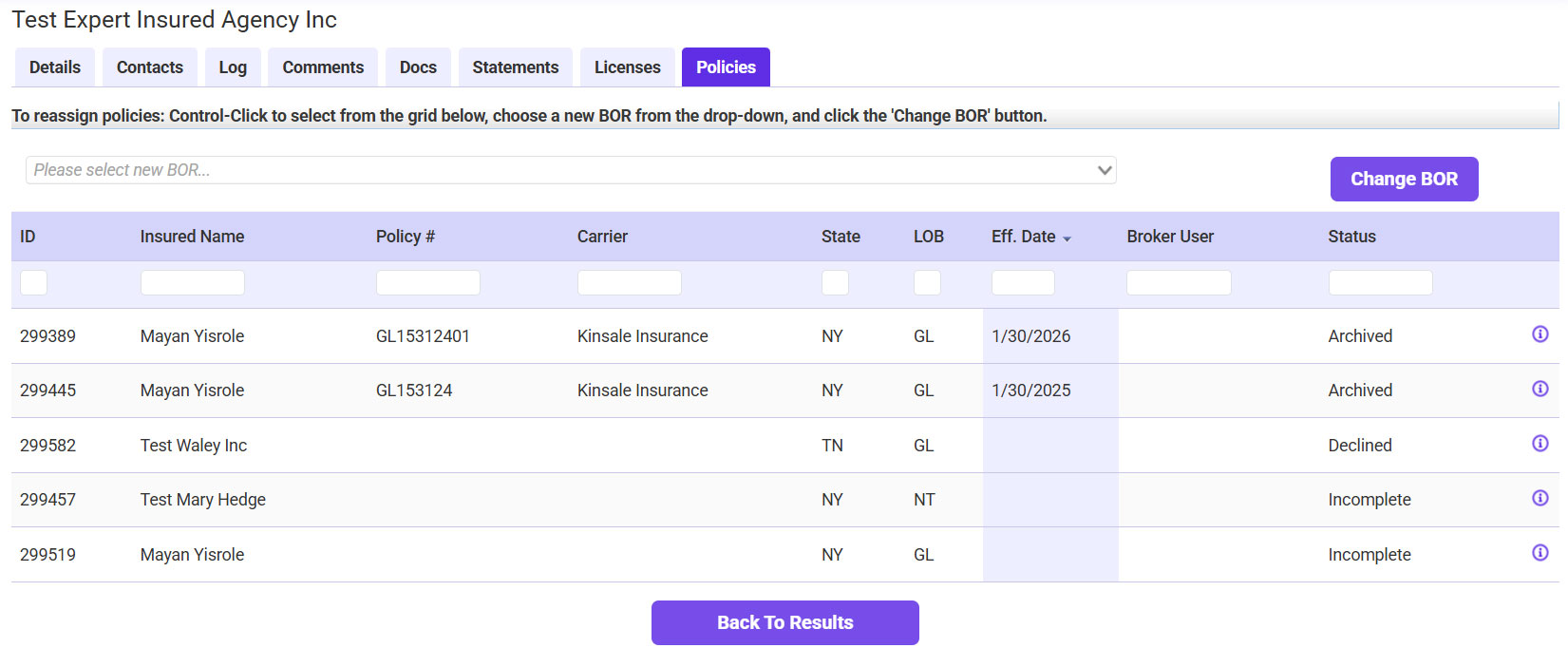
- Go to Find Agency, search for the agency, highlight the grid in results and hit Select. Click on Policies Tab
- To reassign policies: Control-Click to select from the grid below, choose a new BOR from the drop-down, and click the 'Change BOR' button.