
Requesting Quotes
Once a submission is cleared, you can proceed to request quotes.
Steps to Request a Quote:
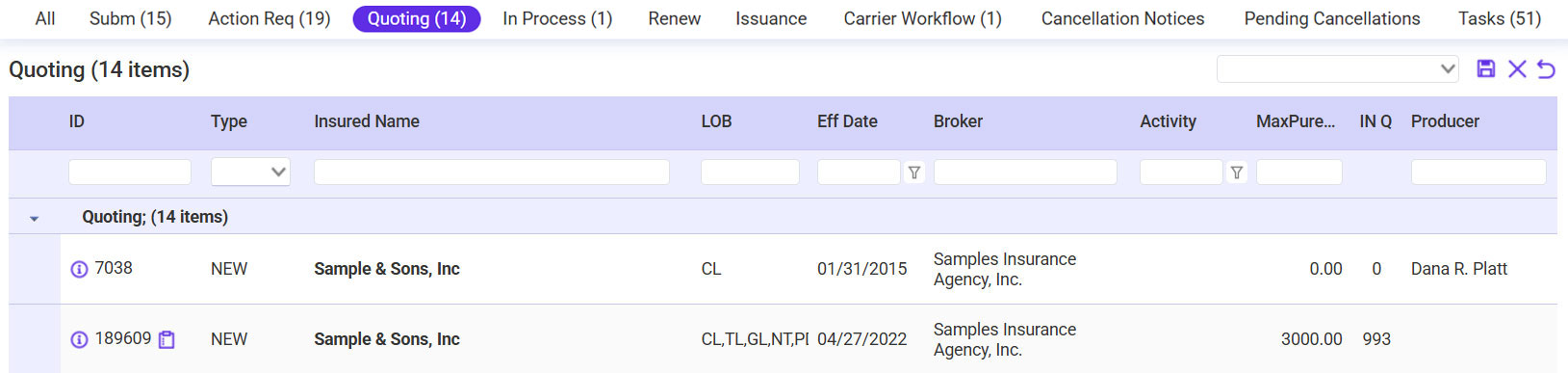
- Go to the Quoting Work Queue.
- Select the submission requiring a quote.
- Enter the required Lines of Business (LOB).

- Choose the Carrier:
- Use filters to locate the correct carrier.
- Attach any necessary documents, including applications or carrier worksheets.
- Verify all details and click Send Request to submit the quote.
Tips:
- Attach supporting documents to ensure carriers have complete details.
- Use predefined workflows for consistency in quoting requests.
Placeholder for Image: Requesting Quotes Screen
