
Submissions and Quoting
Submissions Overview
Submissions form the basis for creating quotes and managing policies within ExpertInsured. They include critical details about the insured, agency, and requested coverages.
Submission Clearance
The Submission Clearance process verifies information to ensure submissions can move forward to quoting.
Steps to Process a Submission:
- Go to Create > Submission from the navigation menu.

- Select Agency:
- Use the search bar to locate the appropriate agency.
- Click Continue.

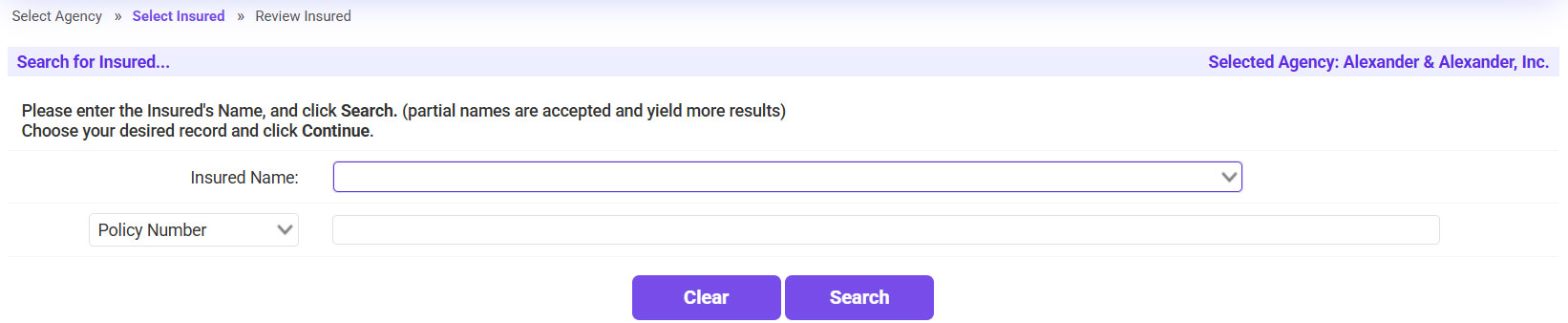
- Add Insured Details:
- Use Look-Ahead Search to find an existing insured.
- If the insured does not exist, follow prompts to create a new insured profile.
- Review and Update Insured Information:
- Verify name, address, contact information, and primary state of domicile.
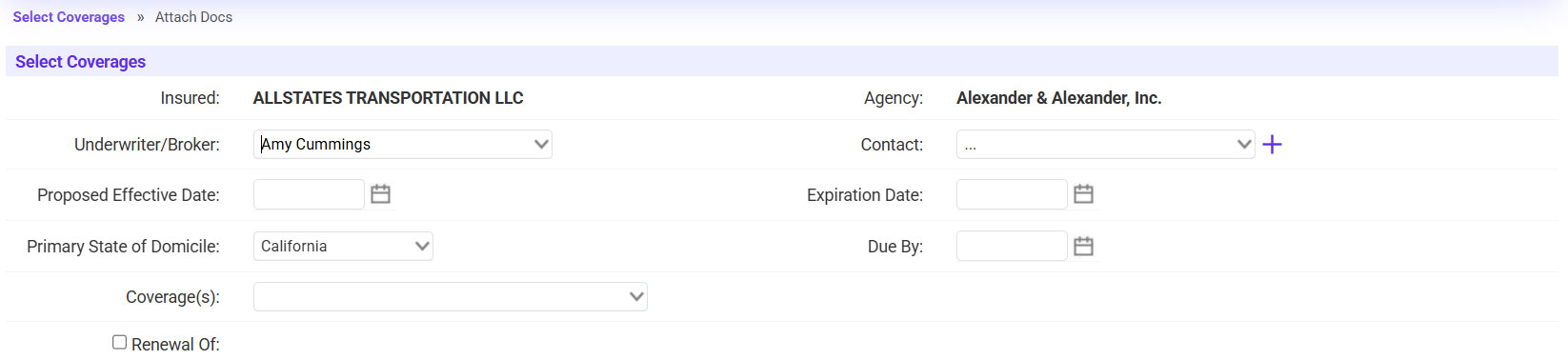
- Select Coverages:
- Choose the policy term (Effective/Expiration Dates).
- Select the required Lines of Business (LOB).
- Send Submission Letter:
- Notify the agency by sending a submission letter.
- Optionally, skip this step using Continue Processing.
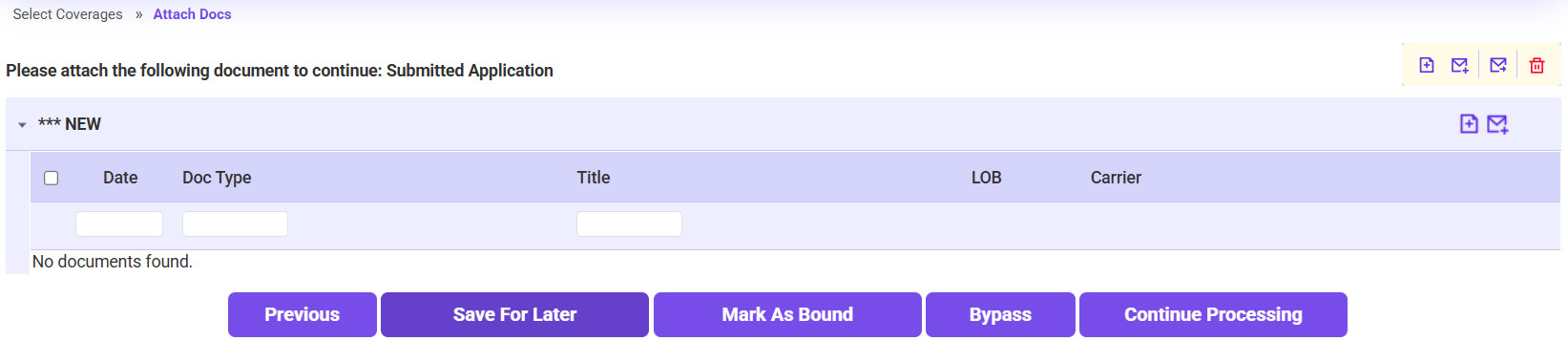
- Attach Documents:
- Upload relevant documents like applications, loss runs, or supplemental forms.
- Categorize attachments under appropriate types.
- Click Continue Processing to move the submission to the Quoting Work Queue.
Tips:
- Validate all insured details and attached documents to avoid delays.
- Use Look-Ahead Search for faster navigation through insured and agency records.
