Declining Submissions
Declining submissions notifies the agency that the policy cannot proceed.
Steps to Decline a Submission:
- Open the submission.
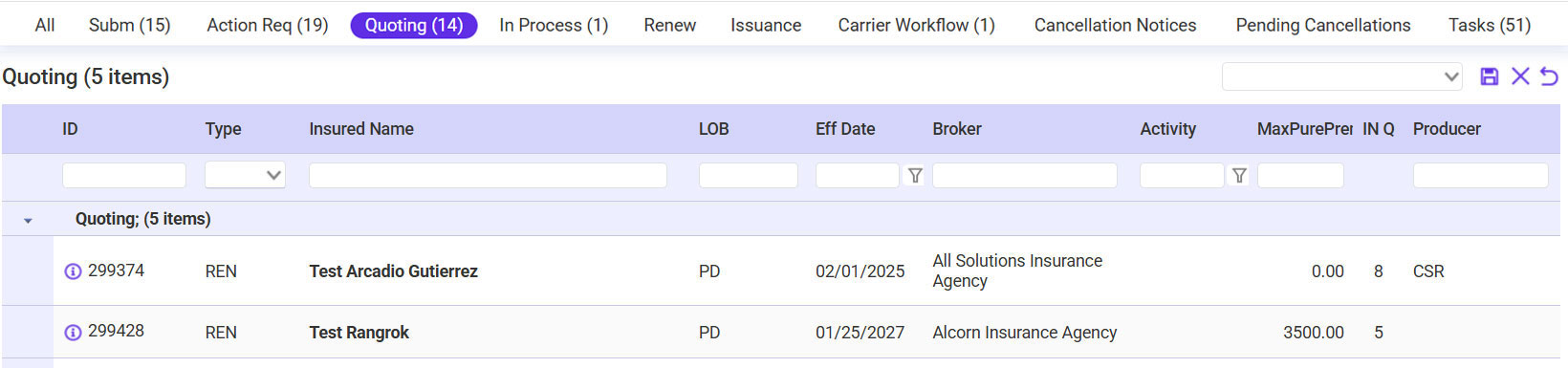
- Select Decline from the Rating Options Page.

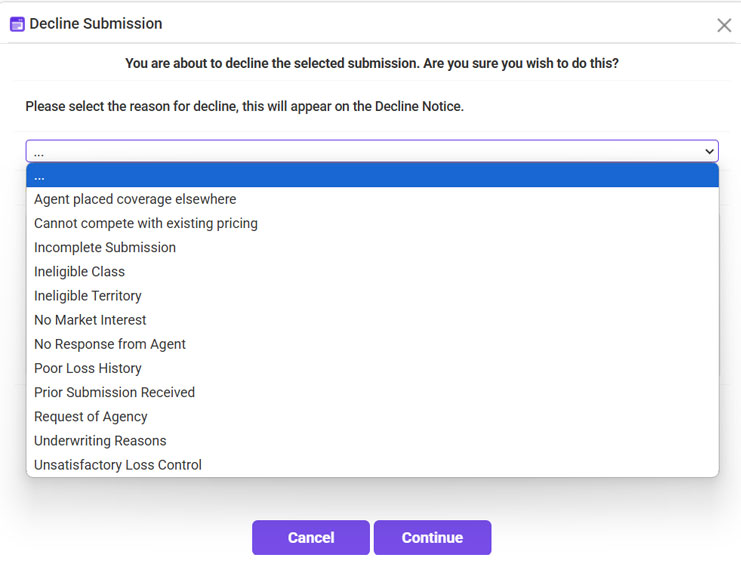
- Choose a Decline Reason from the dropdown.
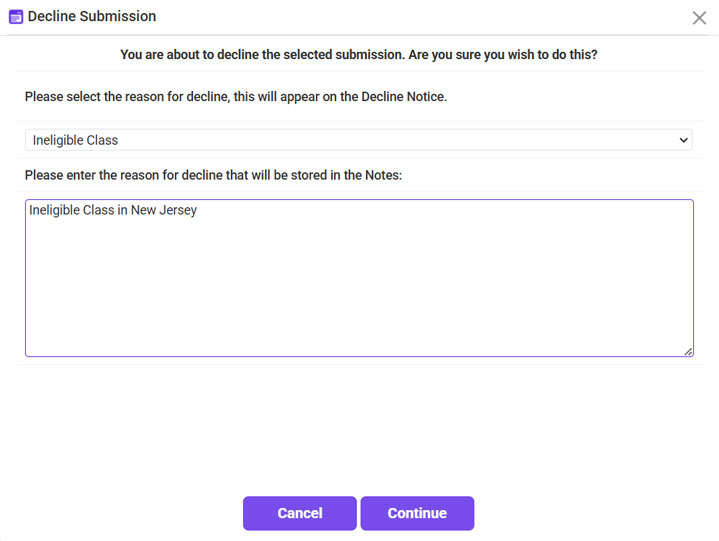
- Add notes (optional).
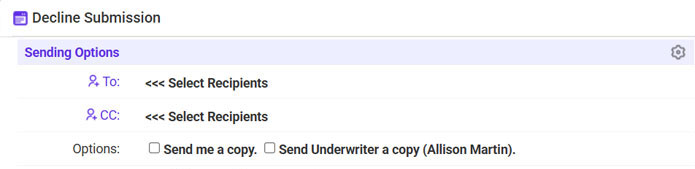
- Send a Declination Email to the agency.